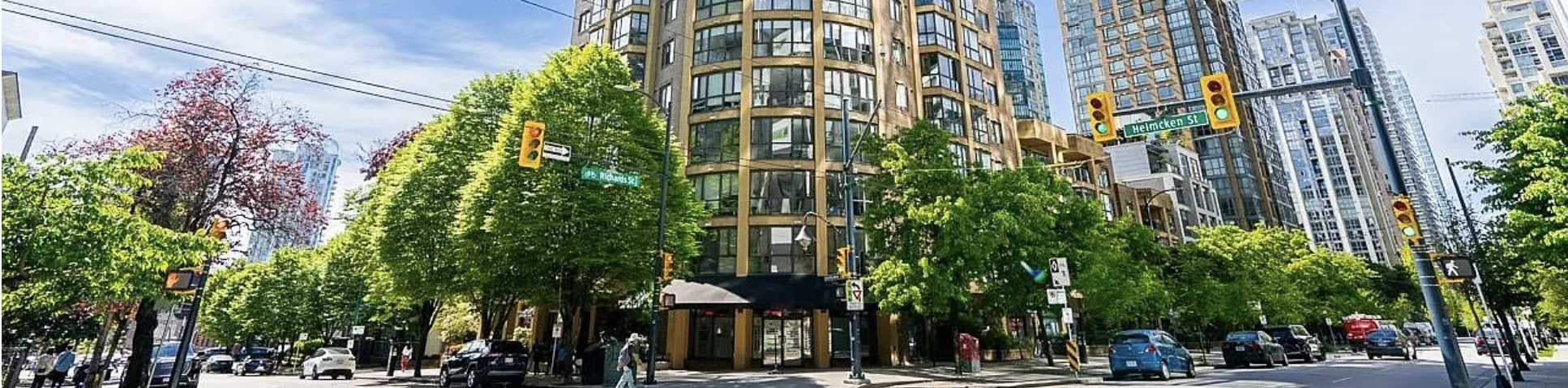
Exterior view of 488 Helmcken Street

488 Helmcken St · Vancouver

Apply for a room

A few taps and one short form. We read your passport for you, fill in the contract, and you sign right on the screen.

Step 1

Which room are you applying for?

Step 2

Photograph your documents

Start with your passport — we read your name, date of birth and nationality from it automatically, so you don't have to type them.

Step 3

Confirm your details

Fields marked “from passport” were filled in for you — check them and fix anything that looks off.

Apartment communication happens on WhatsApp

All communication with the landlord and your roommates happens on WhatsApp — house updates, the cleaning schedule, and day-to-day messages. A valid WhatsApp number is required so you can be added to the apartment group.

Emergency contact in Canada

Lease dates

Step 4

Review and sign

This is your tenancy agreement, filled in from everything above. Read it, then sign at the bottom.

Residential tenancy agreement

488 Helmcken St

Sign your contract

Draw your signature with your finger or mouse

Draw your signature above

or sign it offline

For the landlord

Application details

This summary is sent to the landlord with your application. It is not part of the contract you sign above.